Key takeaways
- UPC codes for Amazon: compliance guide
- Why Amazon asks for identifiers
- UPC vs EAN vs ISBN
Table of contents
UPC codes for Amazon: compliance guide
Short answer: Amazon product identifiers (often UPC, EAN, or other GTINs) help keep the catalog unique; Amazon commonly expects identifiers that map to legitimate GS1 ownership for your brand. Related listing errors: Amazon listing errors fix guide. Related suppression: Amazon suppressed listings fix. Related bulk catalog: Amazon Seller Central bulk listing. Related: free Amazon audit, contact.
Official GS1 Amazon context: GS1 US - barcodes for Amazon - current rules should be confirmed. ECom Gliders does not sell UPCs; this page is educational compliance guidance. "Buy Genuine...Fast & Affordable" and "boost your Amazon sales" meta framing are marketing errors.

What a UPC is
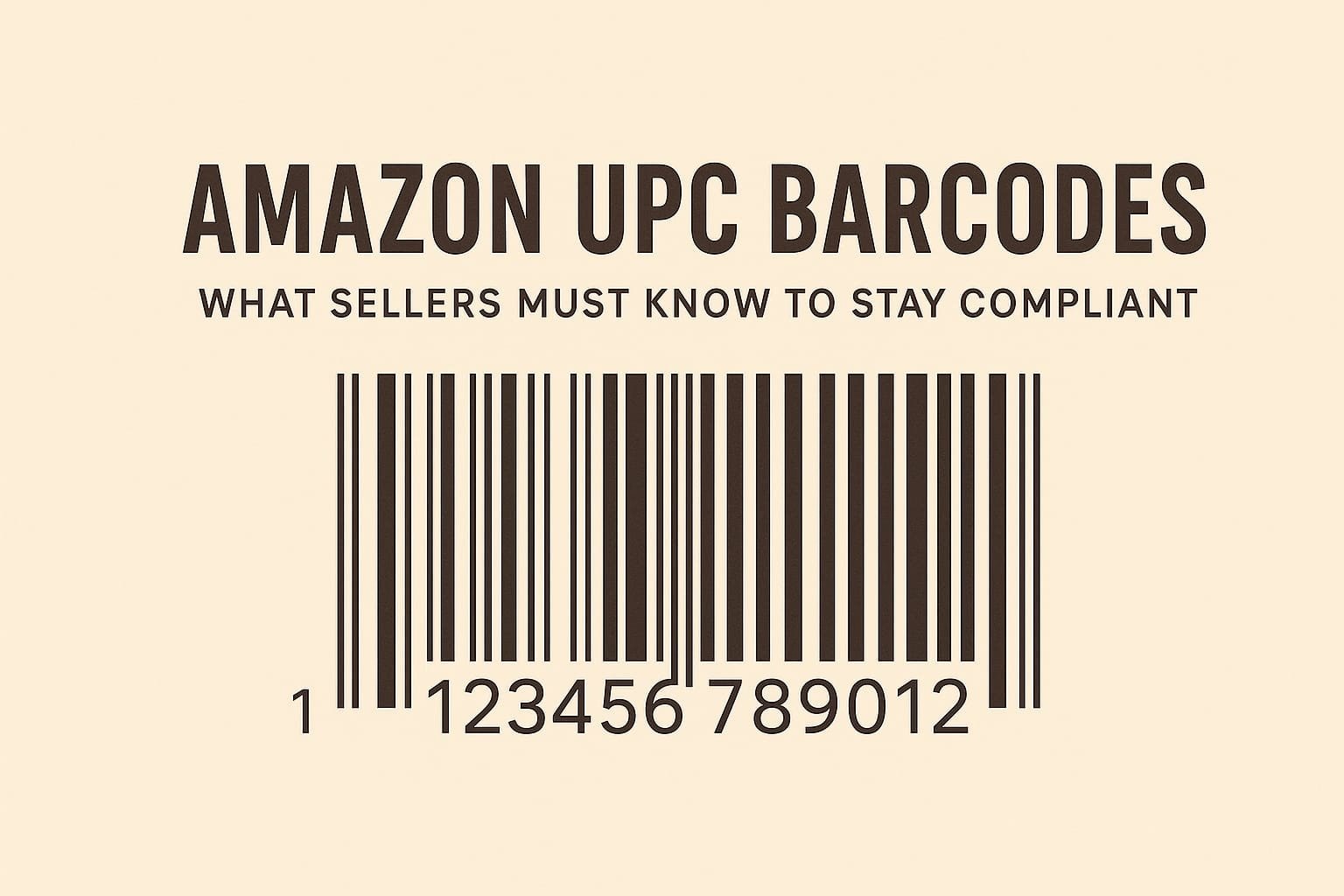
A UPC (Universal Product Code) is typically a 12-digit identifier with a scannable barcode. Practice: distinct products, packs, sizes, and scents usually need distinct identifiers; confirm for your category.
Why Amazon asks for identifiers
- Catalog integrity and duplicate reduction
- Clearer brand/product matching
- Shopper findability for the correct ASIN
UPC vs EAN vs ISBN
| Code | Note |
|---|---|
| UPC | Often 12 digits; common for US retail |
| EAN | Often 13 digits; common in EU/UK contexts |
| ISBN | Books - format rules should be confirmed |
Amazon accepted identifier types vary by marketplace and product type in Seller Central.
How validation works
When you create a listing, Amazon may check the product ID against GS1 ownership records. Mismatched brand/ownership can produce invalid-UPC errors. Related errors: Amazon listing errors fix guide.
Risks of unofficial codes
- Listing removal or blocks
- Brand Registry friction
- Account health risk from non-compliant identifiers; severity should be confirmed
Practice: prefer identifiers obtained through official GS1 channels for your region; keep ownership proof. "always avoid every reseller" is absolute - treat as caution, not legal advice.
Listing steps (UI labels change)
- Seller Central → Inventory → Add a Product
- Create a new listing path for your category
- Enter brand, title, and required attributes
- Select product ID type (UPC/EAN/etc.) and enter the code
- Complete images and content; submit
Related bulk: Amazon Seller Central bulk listing.
Management practices
- Unique codes per variation and bundle as required
- Track codes in an internal sheet (UPC ≠ SKU)
- Do not reuse codes across unrelated products
| Topic | Note |
|---|---|
| Authenticity | Prefer GS1-registered ownership |
| Proof | Keep purchase/ownership docs for support cases |
| Mistakes | Shared codes, unofficial sources, bundle reuse |
| Cost | Published $30 / PKR 5,000 figures in older copy are unverified and may be outdated on GS1 |
Invalid UPC triage
- Verify the code and brand in your GS1 account
- Open Seller Support with ownership evidence
- Related suppression path: Amazon suppressed listings fix
- GTIN exemption where category policy allows - eligibility should be confirmed
Marketplace notes
- US: UPC-A often used
- UK/EU: EAN-13 often used
- Export sellers: match the destination marketplace identifier rules
Bottom line
Treat UPC/GTIN work as catalog compliance, not a UPC storefront pitch. Strip Buy/Fast/Affordable meta, TOC-dump excerpts, and fixed GS1 price tables; confirm fees on GS1 and Amazon Help.
Request a free Amazon audit or contact eCom Gliders for catalog and listing support.
About the author
Mary
Content Specialist
Mary writes practical Amazon seller guides covering PPC, SEO, listing optimization, and account management.
Keep reading
Related articles
- Full Account Management ServicesAmazon FBM Offers Deactivated? How to Find the Cause, Reactivate, and Prevent It Before Peak Shipping9 min read
- Full Account Management ServicesHow to Choose the Best Amazon Agency in the USA (2027)10 min read
- Amazon FBAAmazon 2027 FBA Fee Changes: A Per-SKU Action Plan Before Jan 15 and Feb 19 min read